
Monitor Arm: The Ultimate Upgrade for Your Ergonomic Workplace
Time to read 3 min
Time to read 3 min

A monitor arm is the investment that not only makes your workplace more ergonomic but also much more practical and productive. This tool allows you to flexibly position your screen, preventing neck and back pain and allowing you to work efficiently.
In this blog post, you'll discover why a monitor arm will be essential in 2025, how to use it optimally, plus an FAQ with answers to the most frequently asked questions.
Improve your posture and prevent physical complaints.
Create extra space on your desk with a more compact layout.
Increase your productivity with flexible screen positions.
Suitable for multiple screens and all workplaces.
In a time when more and more people are working from home or hybrid work, there's growing attention to a healthy workplace. A good office chair and adjustable desk are often the first investments, but there's one accessory that's often underestimated: the monitor arm .
A monitor arm is the investment that not only makes your workplace more ergonomic but also much more practical and productive. This tool allows you to flexibly position your screen, preventing neck and back pain and allowing you to work efficiently.
In this article, you'll discover why a monitor arm is essential in 2025, how to use it optimally, what types are available, and we'll answer the most frequently asked questions.
A monitor arm allows you to position your screen ergonomically: at eye level, at arm's length, and at the correct viewing angle. This allows you to work in a natural posture.
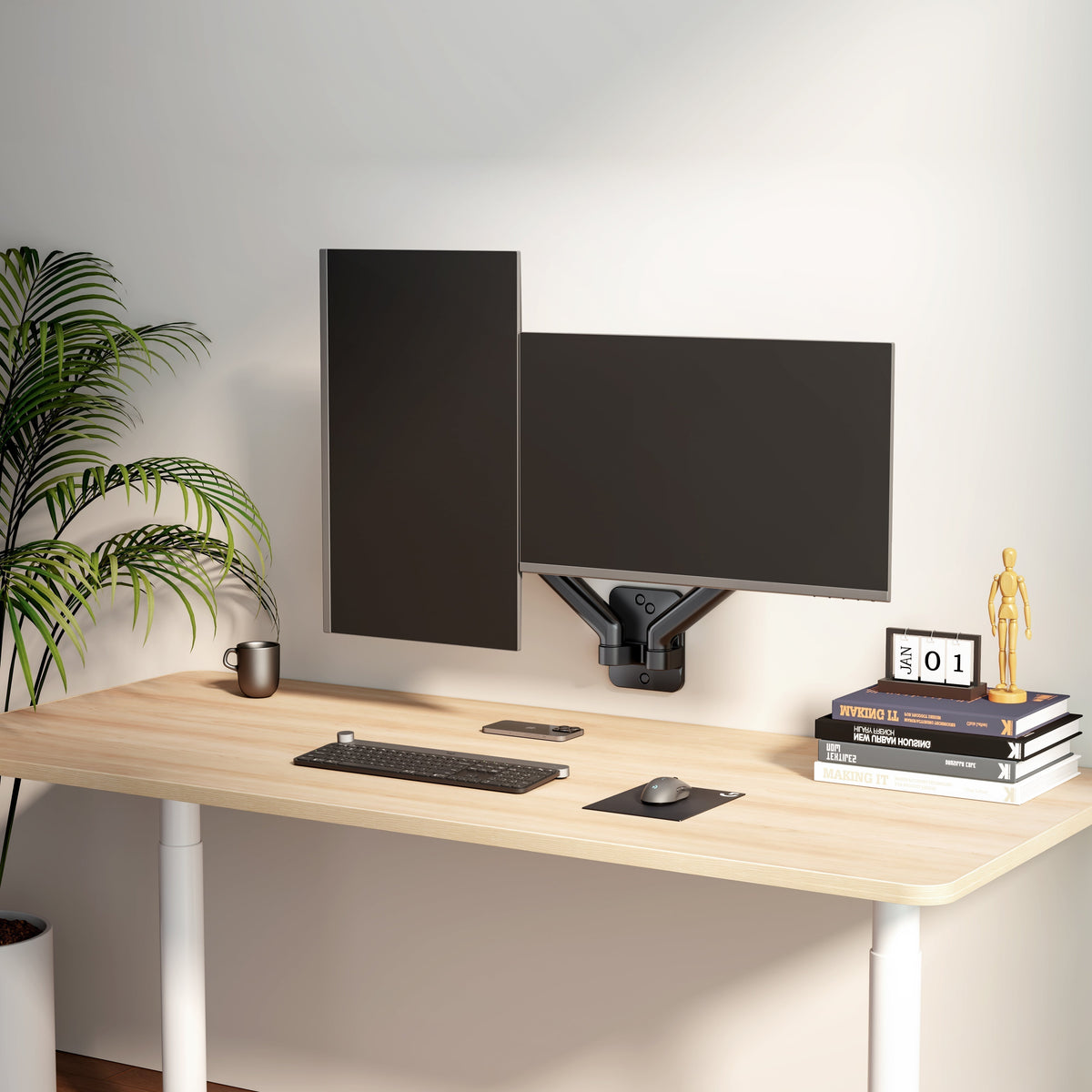
A screen floating above the desk creates extra space for your keyboard, notes and other work supplies.
For professionals with multiple screens, there are special monitor arms that allow you to easily hang multiple screens on your desk, without inefficient clutter.
Ergonomic posture: prevent back and neck problems.
Flexibility: Quickly adjust your screen when sitting or standing.
Space saving: keep your desk tidy.
Productivity: Improve focus and comfort.
Make sure the top of your screen is just below eye level. This prevents neck strain and makes working more comfortable.
Place the screen about an arm's length away. Too close or too far away can cause eye strain or poor posture.
Use the tilt and swivel functions of the monitor arm to avoid reflections from windows or lights.
A monitor arm works best in combination with an ergonomic office chair, an adjustable desk and possibly a laptop stand.
By 2025, a monitor arm will no longer be a luxury but a necessity for anyone who wants to work healthily, productively, and comfortably. Whether you work from home, in the office, or use a hybrid system, a monitor arm helps prevent complaints, creates extra space, and increases your productivity.
Want to upgrade your workspace? Choose the right monitor arm and experience the difference for yourself.
The biggest advantage is the ergonomic improvement that helps prevent physical complaints.
Yes, especially in a home workplace, flexibility and comfort are important, and a monitor arm can help with this.
Yes, with a laptop stand and a monitor arm you can create an ideal dual screen setup.
It can free up tens of centimeters of desk space because the screen floats.
A frequently asked question is whether a monitor arm is worth the price. The answer is simple: yes . For a price often less than a good office chair, you're investing in an accessory you use daily that directly contributes to your health and productivity.
Moreover, monitor arms are available in various price ranges: from entry-level models around €50 to professional gas-spring systems over €150. Whichever you choose, the return on investment in comfort and efficiency is significant.


