
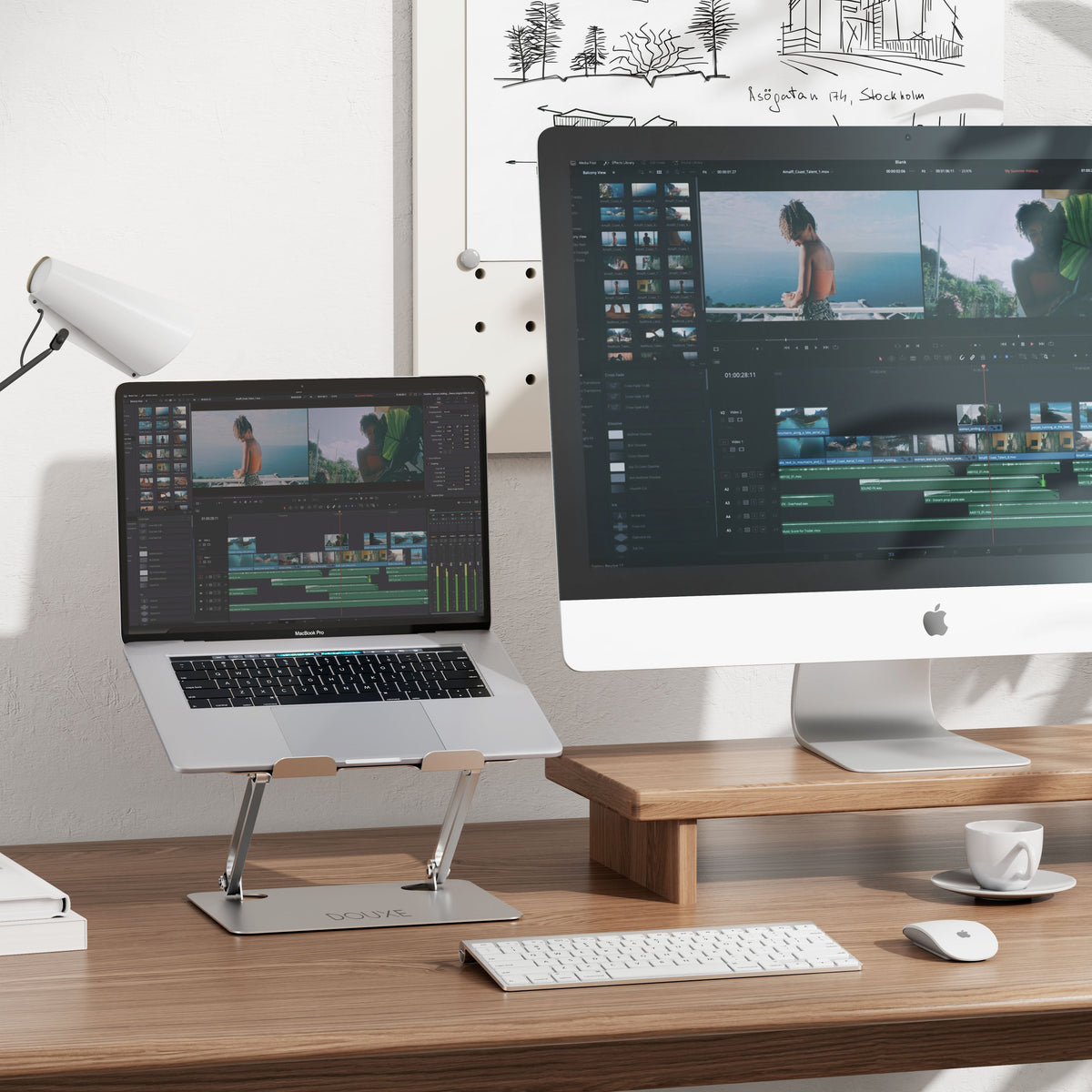
How to Choose the Best Laptop Stand in 2025
Time to read 2 min
Time to read 2 min

Table of contents
Choosing the right laptop stand is essential for healthy and comfortable working in 2025, whether at home or in the office. With the growing importance of ergonomics and longer workdays, a laptop stand is a must-have accessory. But what should you consider when choosing the best model? In this article, we'll provide practical tips, product criteria, and answers to frequently asked questions.
A good laptop stand helps you improve your posture and prevent physical complaints.
Here you can read:
Important features of an ideal laptop stand
Tips to use it optimally
Frequently asked questions about selection and use
Working without a good laptop position leads to neck, back, and shoulder pain due to poor posture. A quality laptop stand elevates your screen to eye level and promotes a straight neck and back. This prevents fatigue and increases productivity (Ergonomiewebshop.nl, 2024).
The best laptop stand offers multiple heights and viewing angles. This allows you to adjust it to your height and workspace, and easily change your posture.
Lightweight aluminum or sturdy plastic? Choose a durable model that can be carried in your bag when working remotely.
An elevated laptop with openings ensures that your laptop stays cool, which promotes its lifespan and prevents overheating.
A stable, non-slip stand with a beautiful design ensures that your laptop stands safely and your desk looks neat.
Make sure your arms are relaxed and your wrists are neutral to prevent RSI.
Use the adjustability to alternate between sitting and standing, and change viewing angles.
Use cable ties and accessories for overview and comfort.
Improved ergonomics and fewer complaints during your working day.
Increased productivity through more comfortable working.
Better preservation of laptop through optimal cooling.
More flexibility and mobility in the office or at home.
Most standards are universal, but always check the dimensions and load capacity.
Yes, because it helps you maintain an upright working posture.
For optimal ergonomics, this is highly recommended.
Yes, there are compact and lightweight models that you can easily take with you.


